


.avif)

.svg)
Context basics in practice
Now, you’ll move from theory to application. This video demonstrates how to combine context tools to integrate a modern UI library into your project. You will see how to guide the agent through a refactoring process and use screenshots to fix visual bugs.


Access the lesson
Let’s Practice
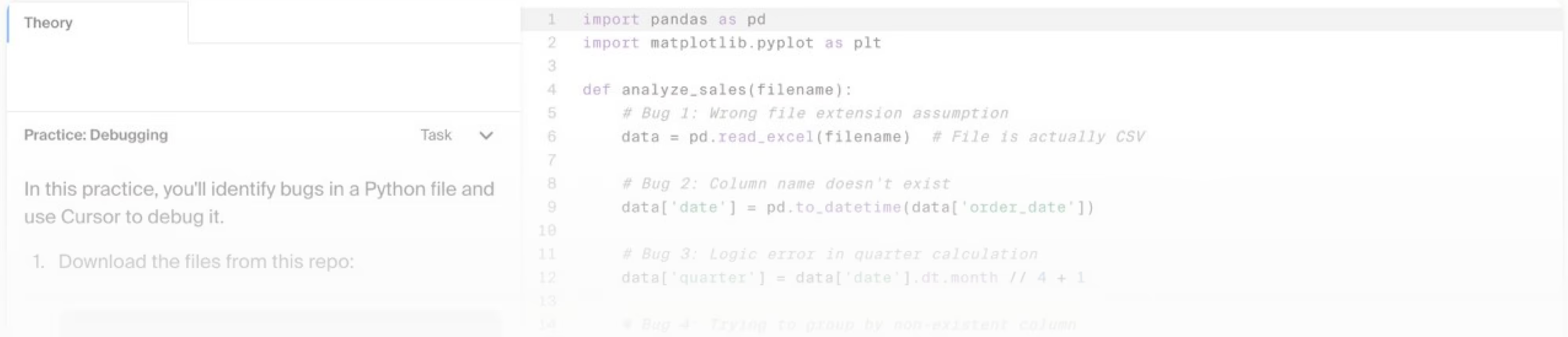
Check out the following exercise to confirm that you’ve mastered the skills covered in the video and to help you recognize areas where you can continue to grow
Join our platform to

Get hands-on practice
Apply what you learn immediately through guided exercises and real project tasks

Earn a certificate of completion
Confirm your new skills with an official certificate you can add to your portfolio

Subscribe to our newsletter
Stay updated with new lessons, tips, and exclusive content for Cursor users
Enroll now!
Agentic Development with Cursor
.svg)
Best Practices of AI-assisted Coding


